A passing checksum tells you the backup file is the same file you created, but it doesn’t tell you the site can be restored from it.
Take a fictional small-business website with a nightly database dump and a copy of its uploaded files. The dump finishes, the copy matches its checksum, and the dashboard turns green. That is evidence of file integrity. It isn’t evidence that the database imports cleanly, that the data is complete, or that the application will start once it’s restored. Each of those is a separate claim, and each needs its own check:
- The file arrived intact. Compare the checksum of the copy with the checksum of the original.
- The backup can be restored. Import it into an isolated environment, not on the live site, and see if the import succeeds.
- The restored data is the right data. Compare row counts, key fields, and a sample of records that matter to the business. Check that the uploaded files exist and that their bytes match, not just their names.
- The application works on that data. Load the restored site and exercise the pages and actions people actually depend on, such as logging in, searching, and opening a record with an attachment.
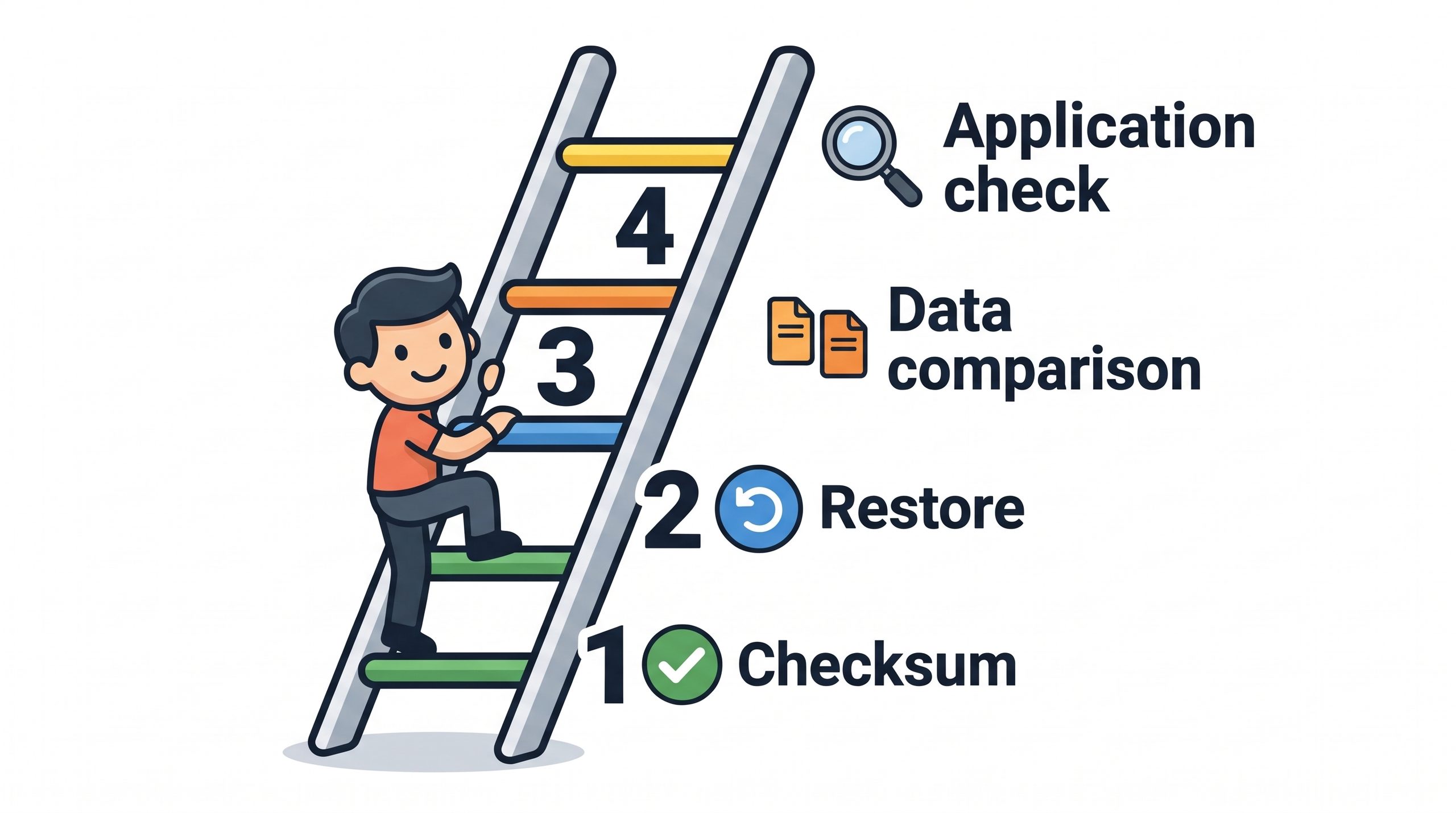
Each check catches failures the one before it can’t. A dump can be byte-for-byte identical to a file that was incomplete from the start. An import can succeed while text with accented characters or serialized settings comes out damaged. Data can match and the application can still fail because a configuration value or a file path wasn’t part of the backup.
Also report which backup you actually restored. Restoring last month’s bundle shows that the procedure worked once; it says little about whether tonight’s backup will restore. Name the exact backup, the date it was tested, and the checks it passed, and leave blank anything you haven’t tested. “Restored successfully” is a much weaker statement than “restored on this date into an isolated copy, with data compared and the login and search pages checked”.
It’s also worth writing down what you still don’t know. If the backup lives only on the same server, restore testing doesn’t protect against losing that server. If it hasn’t been copied off-site and encrypted, include that in the reporting. A recovery plan with known gaps is more useful than a green indicator that hides them.
Start with the cheapest version: pick one recent backup, restore it somewhere harmless, and open the site. Then ask what the site could have lost that you wouldn’t have noticed.
—jhunterj