A form that rejects bad input is only checking the route it was built for. If a record can reach the same database through an import, an admin screen, a script, or a “save draft” button, the form’s rules don’t apply there, and the first place anyone notices may be the person who has to approve the record.
Here is a fictional example. A record has two fields that shouldn’t both be filled in: a date and a checkbox saying the date is unknown. The submission form catches it and shows an error. But the same record can also be created by copying an earlier revision, and that path skips the form entirely. The result is a revision with both fields populated, waiting in the approval queue.
| Path to the record | Form rules applied? | Both fields populated? |
|---|---|---|
| Entered into the submission form | Yes | Rejected with an error |
| Copied from an earlier revision | No | Accepted |
| Edited through an admin screen | No | Accepted |
The approver now has two bad choices. Approve it and the contradiction becomes part of the data, or reject it and send the submitter a record they never entered incorrectly.
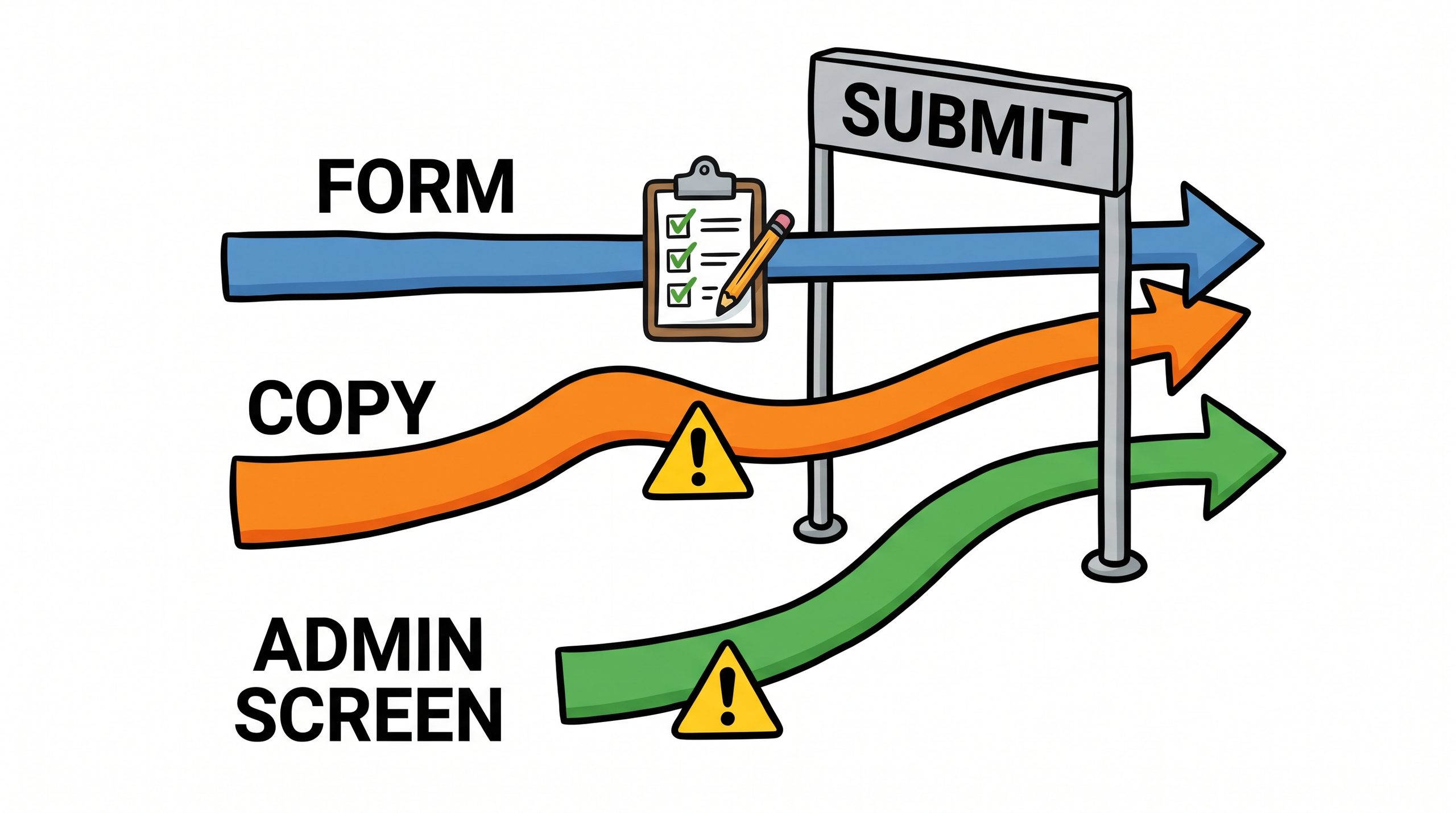
The fix is to find the point where a record stops being a draft and becomes a commitment. In this example that’s submission, since after that point someone else is asked to rely on the record. The rules should be enforced there, no matter which path got the record that far. A form can still show friendlier messages earlier, but it shouldn’t be the only place the rule lives.
That leads to a few design choices:
- Keep one authoritative version of each rule, and have the form, the copy path, and the admin screen all call it. Three copies of a rule will eventually be three different rules.
- Validate before writing related records. If a rejected submission has already created links to other records, someone has to clean those up.
- Give the submitter a way to correct the record, with a message that names the fields in conflict.
- Don’t force a correction of unrelated problems. An old record with an unrelated issue shouldn’t block a submitter who only changed one field.
The last point is easy to overlook. Once validation moves to a boundary that old data also passes through, it can start rejecting records that were already in the database before the rule existed. Check whether the rule applies to the whole record or only to what the submitter changed.
The approval queue is a poor place to find out the form had a loophole. Put the rule where the record becomes a commitment and let every path pass through it.
—jhunterj