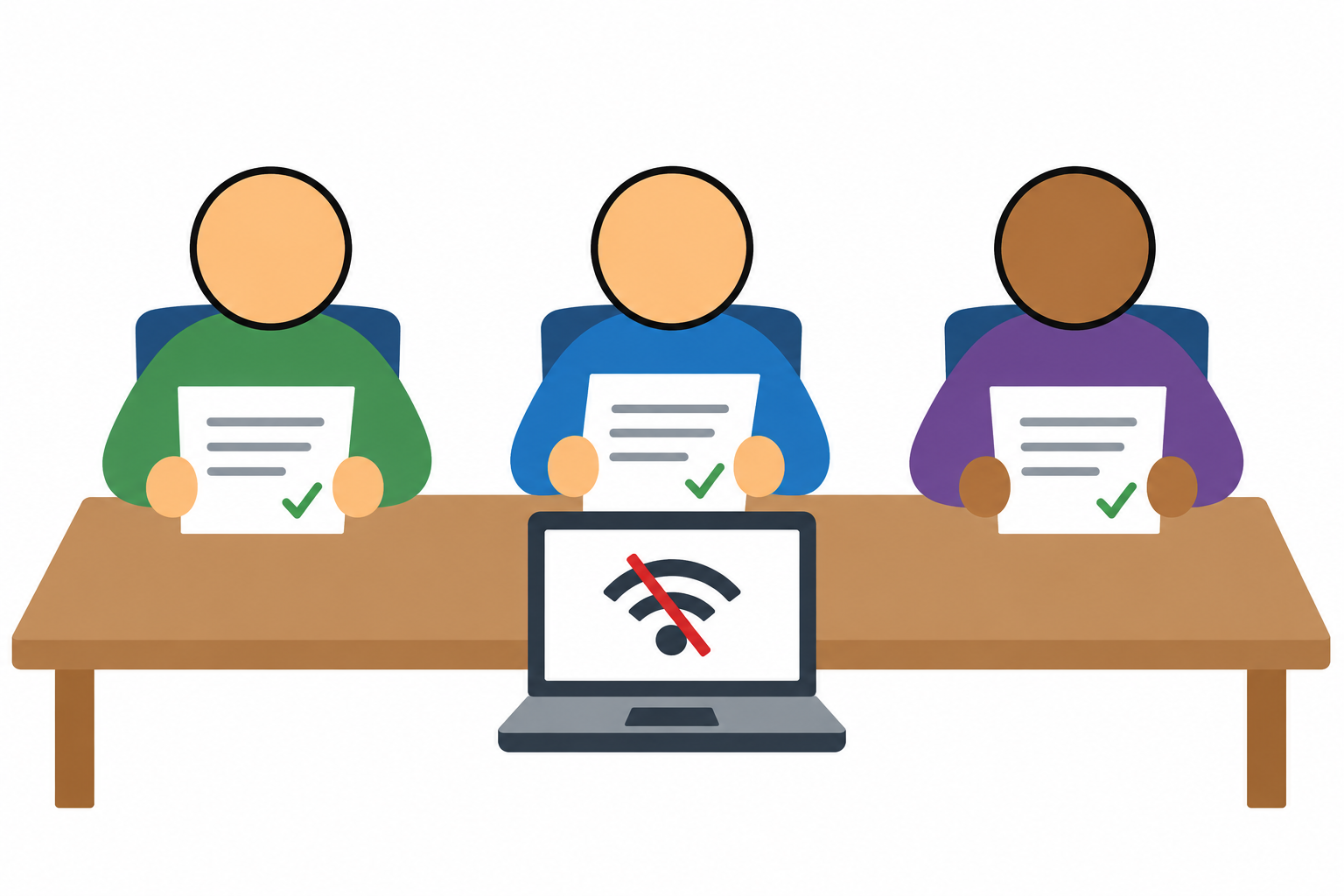
If the AI assistant won’t load during a workshop, the participants should still have something useful to do. That means preparing an exercise they can finish without the assistant, with the sources and materials available outside the service that just stopped cooperating.
Start with what the participants are supposed to learn. Reviewing a draft against its sources can work with a prepared answer. Learning where to find a particular control requires access to the interface. A fallback can preserve the first exercise; the second may need another session. Calling both of them “AI training” doesn’t make them interchangeable.
Here’s a fictional exercise: prepare arrival instructions for volunteers at a community event. The source packet says volunteer arrival is at 8:00, public check-in opens at 8:30, and parking is in the north lot. An earlier planning note says the south lot, but a later update closes it. Nothing says whether volunteers need to bring identification.
Give the group a deliberately flawed draft that tells volunteers to arrive at 8:30, park in the south lot, and bring photo identification. It reads well. It also confuses the audience, uses superseded information, and invents a requirement. The grammar is having a much better day than the instructions.
The participants’ job is to correct the message and identify anything that still needs an answer. They can fix the time and parking directions from the packet. They need to ask the organizer about identification, rather than deciding that an absent requirement means identification is definitely unnecessary.
With the live tool available, participants can ask it to draft the message and review whatever it produces. If it gets everything right, the prepared flawed answer still gives them something to diagnose. If the tool is unavailable, start with that answer. Either way, the exercise ends with a corrected message and a short note to the organizer about the unresolved question.
Label the prepared material honestly. “Authored example with deliberate errors” tells participants what they’re examining. An answer saved from an earlier AI run should be identified as a saved output, with its prompt and sources kept alongside it. An invented mistake can be useful for teaching, but it isn’t evidence that a particular model made that mistake.
Keep the fallback where you can reach it when the network is down. That includes the source packet, the answer, the participant instructions, and your own notes. A link to the backup exercise is an optimistic choice if the backup exercise requires the same connection. Provide readable local files and, where useful, printed copies; preserve an accessible format for participants who need it.
Rehearse the switch, too. Decide how much session time you’re willing to spend troubleshooting, then practice introducing the prepared exercise and getting people started. Include the transition in the timing trial with representative learners. A fallback that consumes the remaining session just to explain itself needs another revision.
The debrief should examine the decisions: which source supported the arrival time, why the later parking notice took precedence, and what the packet left unanswered. Ask participants to show the corrected message and their question for the organizer. That gives you something more useful to assess than whether an answer appeared on a screen.
Keep track of the work the fallback couldn’t cover. Reviewing a prepared answer doesn’t show that someone can upload a source, find a setting, or recover a failed request. If those actions are part of the promised training, arrange the hands-on practice separately and leave them marked incomplete until then.
Before the next workshop, try the exercise with the live tool closed. See what participants can still finish and make sure it’s something you meant to teach.
—jhunterj