Most editing dialogs have at least four ways out: the Cancel button, the X in the title bar, the Escape key, and clicking the backdrop. They all seem like the same action, “never mind”, but only one of them is usually designed; the others just inherit whatever the dialog library does, which is just to close.
For example, say a dialog lets someone edit an event and has a Save button that sends the changes to a server. While the request is in flight, pressing Escape closes the dialog. The save may still succeed, or it may fail, but the person has no way to find out because the screen where the result would have appeared is gone. If they reopen the dialog and the old values are there, they will probably enter the changes again or decide the save was lost and move on. Neither is what they wanted.
Dismissal depends on what the application knows about the save. There are at least three states worth separating: editing (nothing has been sent), saving (the request is in flight), and uncertain (the request failed or timed out, and you don’t know whether the server applied it). Here’s one way to decide what each exit does.
| State | Cancel / Escape / X | Backdrop click | Save |
|---|---|---|---|
| Editing, no changes | Close | Close | Disabled |
| Editing, unsaved changes | Ask before discarding | Ignore | Send |
| Saving | Disabled, with a visible reason | Ignore | Disabled |
| Uncertain | Offer a way to check, retry, or discard | Ignore | Retry |
The backdrop click is the one I would be most cautious about, since it is the easiest to do by accident. Ignoring it when there are unsaved changes costs almost nothing. Discarding someone’s edits because the mouse slipped can have greater costs.
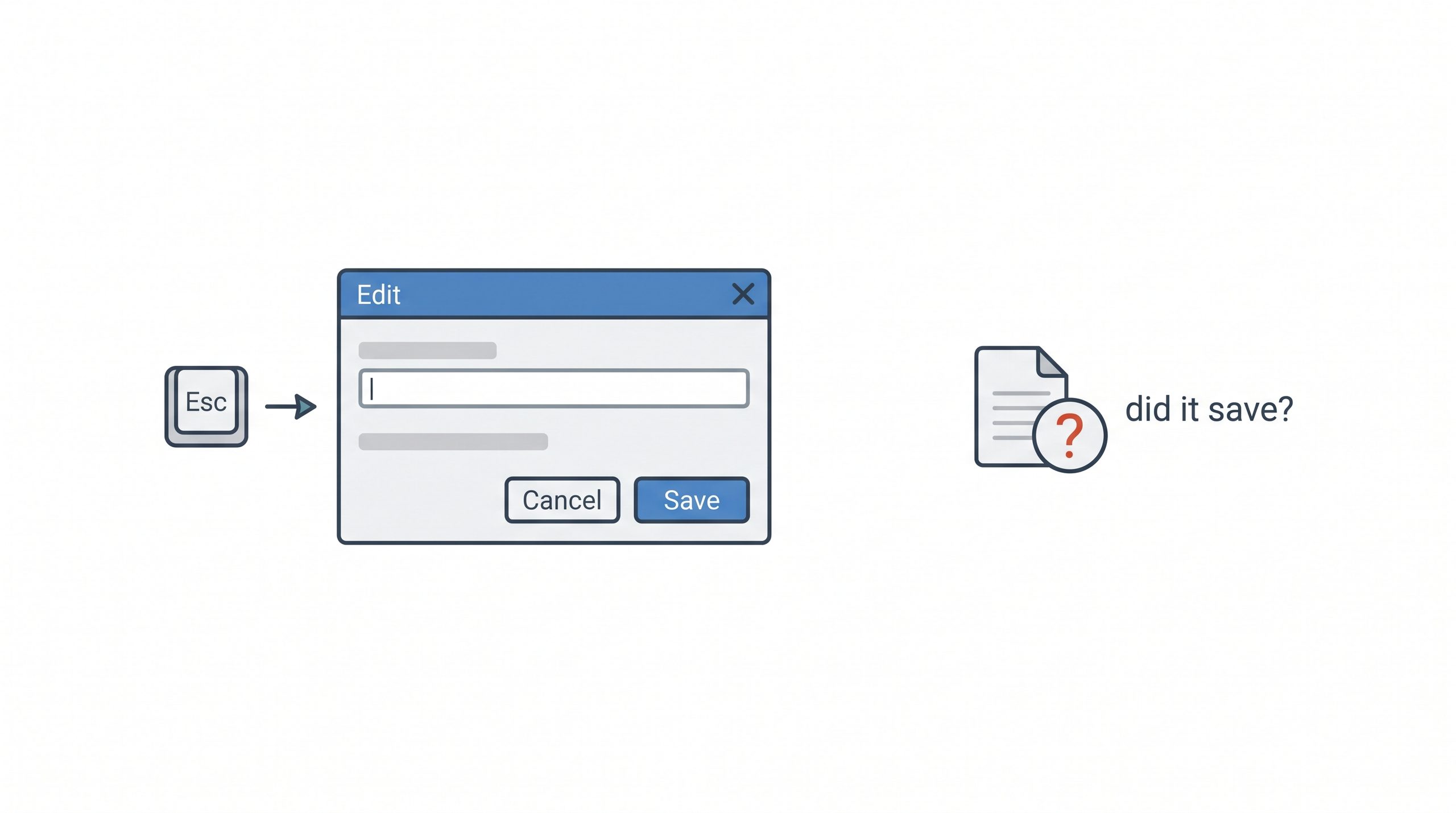
The uncertain state is the one that often gets skipped. A failed request is not the same as a request that didn’t happen; the response could have been lost after the server committed the change. The dialog shouldn’t offer “Close” as if nothing is at stake. It should tell the person what you know, keep their entries visible, and let them retry or check the current saved version before deciding. Which of those is appropriate depends on the data. A note field can probably just retry. A record with a count or a status may need the server to say what it currently holds before anyone resubmits.
Nested dialogs add a wrinkle. If a confirmation dialog opens on top of the editor, Escape should close the confirmation and nothing else. It’s easy to test the editor and the confirmation separately and miss that one keypress can reach both. Focus matters as well: when a dialog closes, focus should return to the control that opened it, so a keyboard user isn’t dropped at the top of the page. I’d test all of this by keyboard alone, and again on a narrow layout where the buttons may have moved.
The dialog and the states are an illustration, and a screen reader or a physical device may behave differently from the browser you tested in, so list what you actually tried.
To start, write down every way a dialog can close, and next to each one, what happens to the person’s work in each state.
—jhunterj