In Give Your AI Agent a Friction Log, I described recording unexpected failures and what actually resolved them. I’ve since added maintained procedures, helper scripts, and focused skills to that workflow. The next question is whether another task finds and uses them. A growing collection of instructions can also become a growing collection of instructions to overlook.
Pick one recurring problem from your AI agent’s friction log and give the next task a specific way to handle it. “Be more careful with links” leaves quite a bit to the imagination. A checked script, a short procedure, and an instruction saying when to use them give the agent something concrete to do.
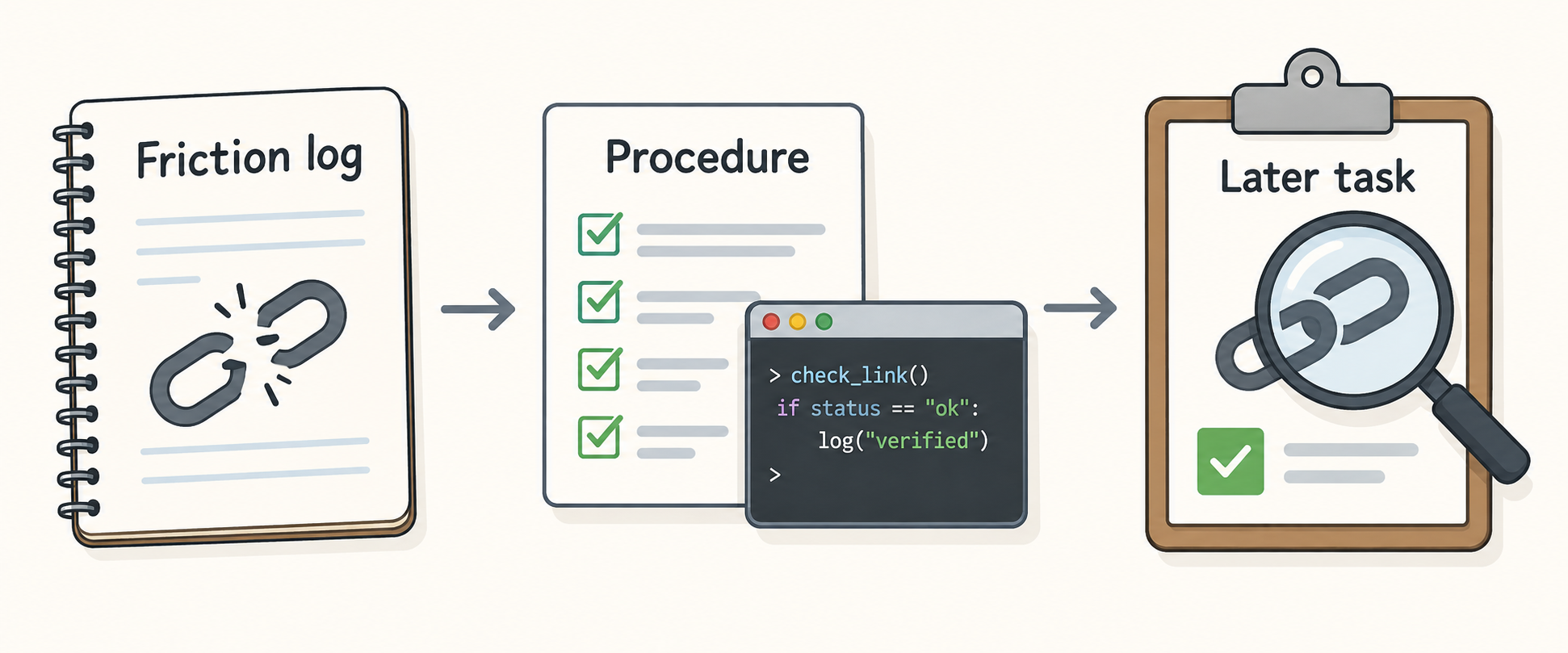
Here’s a small fictional example: a Markdown handoff links to #releasecheck, but the heading is Release-check. The fragment needs a hyphen. I prepared a teaching folder around that mismatch so the whole process can be tried without a production service, credentials, or anyone’s private incident history.
The version 1.0.0 example (zip archive) has four parts worth keeping distinct:
| Part | Job |
|---|---|
| Issue record | Preserve what failed, the evidence, current status, owner, and review trigger. |
| Procedure | Explain which check to run, its prerequisites, and what the results mean. |
| Helper script | Perform the repeatable check. |
| Index and skill | Tell the agent where the procedure lives and when to use it. |
The helper matters because otherwise the agent can write a new link checker each time, complete with a new interpretation of Markdown. My maintained checker handles local paths and heading anchors within a defined scope, but it doesn’t fetch external websites or reproduce every Markdown renderer. Those limits belong beside the instructions for using it.
To try the example, unzip the archive and use Windows, PowerShell 7, and Python 3.10+. Open a copy of the teaching folder as your Codex project, leaving the original unchanged for checksum comparison. From the copy’s root, check your runtime and save the first result:
$PSVersionTable.PSVersion
$ExecutionContext.SessionState.LanguageMode
python --version
New-Item -ItemType Directory -Path evidence -ErrorAction Stop
python -X utf8 tools/check_markdown.py examples/first-handoff.md --json evidence/before.json
$LASTEXITCODE
If python is unavailable or opens the Windows Store, replace it in these commands with & '<the full path to python.exe>'. The expected checker exit code is 1, with one missing anchor in before.json. Exit code 2 means the checker couldn’t reliably complete its work; resolve that before treating the report as a diagnosis. Use a new report filename for each check so the repair doesn’t erase its own evidence.
Start a new task in that project and give it this request:
Read .agents/skills/check-handoff-links/SKILL.md and follow it.
Read AGENTS.md and its procedure index. Repair
examples/first-handoff.md, preserve evidence/before.json,
and verify the result into evidence/after.json. Update the
existing fictional issue with the evidence and limits.
Work only in this folder.
That explicitly asks the agent to read the skill file, which is the route exercised in the walkthrough. Codex also supports project skills in .agents/skills; its CLI and IDE extension let you select skills through /skills or mention them with $. Check the current skill documentation for your interface. Finding a skill in the list, asking for it explicitly, and having the agent select it automatically are separate things to test.
Read the repaired handoff and the issue record, then check the file yourself:
python -X utf8 tools/check_markdown.py examples/first-handoff.md --json evidence/reader-after.json
$LASTEXITCODE
The expected result is 0, with one valid local link and no missing or unknown targets. The issue can now say fix verified, while retaining the original failure and before report. The link works. Whether the next task uses the procedure is still an open question.
Start another task in the same project:
Read .agents/skills/check-handoff-links/SKILL.md and follow it.
Read AGENTS.md and use the indexed procedure to check
examples/later-handoff.md. Save evidence/later.json and
record the supported later use in the existing fictional issue.
Do not invent a failure or increase the failed-episode count
for a successful check. Work only in this folder.
This handoff should produce two valid local links. Inspect the report and which instructions the agent actually read. The second task supplies evidence of later reuse; another retry during the original repair wouldn’t. The example’s README includes a final check of the supporting records as well.
Two separate tasks completed this repair-and-reuse exercise on Windows using manual skill loading. They used the example’s files but inherited instructions from the surrounding environment. A fresh CLI attempt was blocked before its first file read, so this walkthrough doesn’t establish clean-profile execution, native skill-picker use, or automatic selection.
My broader review found useful recoveries and review work, but some familiar file-discovery and patching mistakes continued. I haven’t established a reduction in recurrence or measured time or token savings. These files give the agent instructions and tools it can consult. They don’t train the model, and they don’t authorize actions that needed permission before.
For your own workflow, start with one issue and one maintainer. If several tasks need to update the same log, let them leave separate notes for one authorized consolidation. Keep the current status in one place, with links to the procedure and evidence, and review it when the tool changes or another relevant task uses it.
When a mistake recurs, check whether the guidance was found, whether it applied, and whether the agent followed it. Each answer calls for a different change. Adding “always” to the instruction doesn’t tell you which one you need.
—jhunterj